

A guest places a £180 order on a Friday night. The confirmation email bounces. So does the shipping notification on Monday. By Wednesday the customer opens a ticket asking where their parcel is, from a different address, because the one they typed at checkout had a missing letter. Nobody on your team had a way to know.
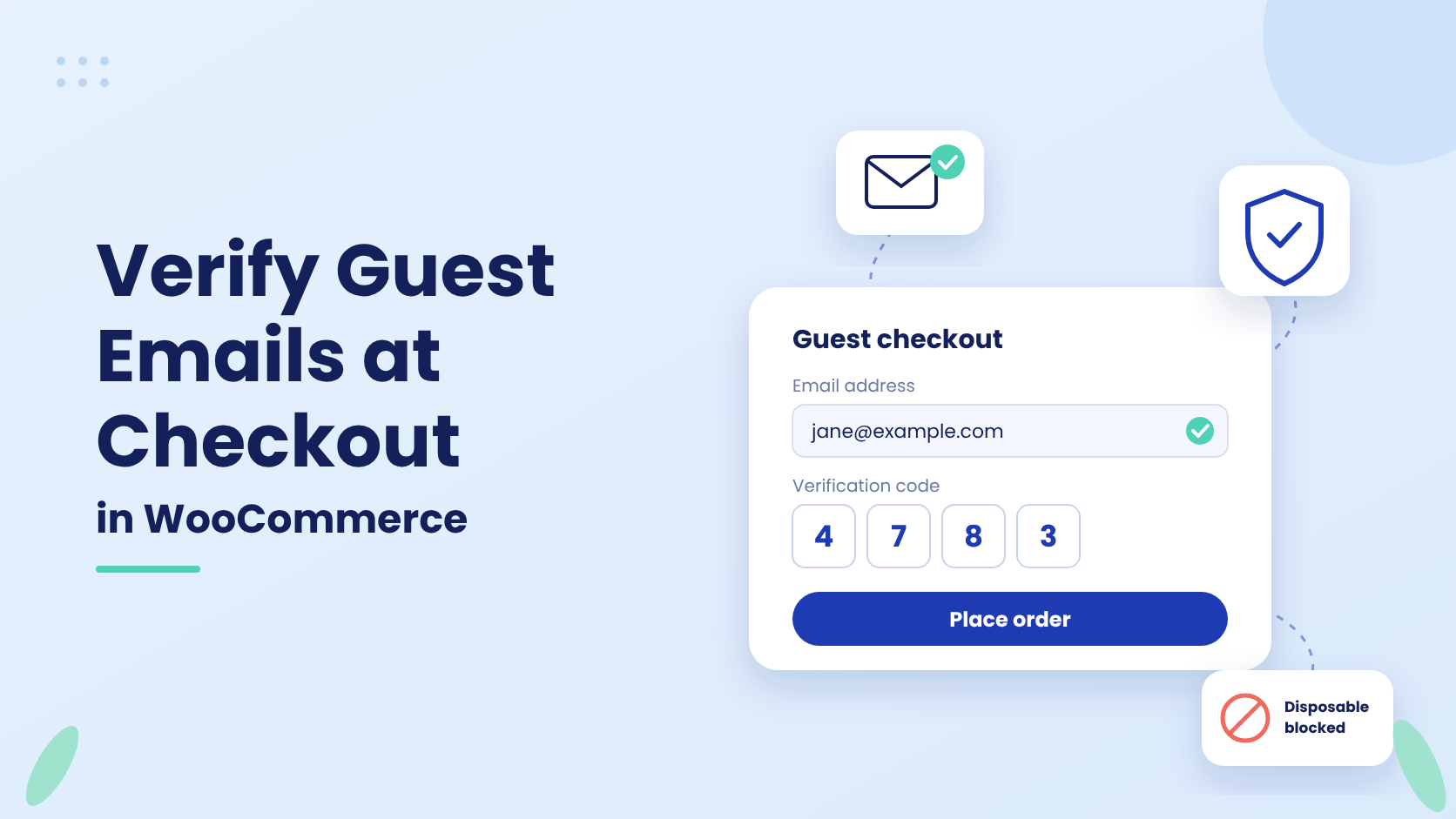
Most WooCommerce email verification stops at the registration form. That leaves the busiest door in the store, guest checkout, open to typos, throwaway inboxes and scripted orders. The fix is to ask for a one-time code at checkout itself, before the order is created, and only when the order is worth checking.
This guide shows how to set that up with Customer Email Verification PRO (CEV PRO): which settings control it, how to choose between a popup and an inline field, how to keep small orders frictionless, and how to confirm it is working. It also covers what checkout verification cannot do, so you can decide whether it fits your store.
Why registration verification misses guest orders
WooCommerce checks that a billing email is correctly formatted. It does not check that anyone can receive mail there. A guest order never creates an account, so a registration-only verification step never runs for it.
Even shoppers who tick “Create an account” at checkout skip registration verification. The free version of Customer Email Verification states this directly: its verification does not apply to accounts created during checkout. Checkout is covered only by the PRO version.
The result is three kinds of bad order that look identical in your order list:
- Typos. A real customer, a wrong address. Every order and shipping email after this fails silently.
- Throwaway inboxes. Disposable addresses used to claim first-order coupons repeatedly.
- Scripted orders. Cash on delivery or free-sample orders placed by bots, which your team then picks, packs and ships.
A one-time code sent to the billing email answers one question before the order exists: can this person read this inbox? If you are weighing the wider problem of fake orders, our guide to stopping fake orders and account abuse in WooCommerce covers the other layers.
How to turn on email verification at WooCommerce checkout
Checkout verification is off by default. It is a separate switch from signup verification, so you can run either or both.
- Go to WooCommerce → Email Verification.
- Toggle Enable Checkout Verification on.
- Set Checkout Verification Type to Popup or Inline (see the table below).
- Leave Require email verification only when Create an account during checkout is selected off. With it on, guest checkouts bypass verification entirely, which defeats the purpose of this guide.
- Click Save Changes.
Popup or inline: which to choose
| Popup | Inline | |
|---|---|---|
| What the customer sees | A verification window over the checkout page | A “Send verification code” button and code field under the email field |
| Classic (shortcode) checkout | Supported | Supported |
| WooCommerce Checkout block | Not separately documented, test on staging first | Documented and supported |
| Best for | Classic checkouts where you want the step to be unmissable | Blocks checkouts, and stores that want the step to feel like part of the form |
If your store uses the Checkout block, which has been WooCommerce’s default for new stores since version 8.3, choose Inline. The Checkout block guide in our docs walks through the customer flow step by step.
How to verify only the orders that need it
Asking every guest for a code adds a step to every sale. On most stores the risk sits in a narrow band of orders, so the plugin lets you aim the check. These options sit under Checkout Verification on the same screen.
| Option | What it does | Use it when |
|---|---|---|
| Require verification only above a cart amount | Asks for a code only when the cart reaches the Cart amount threshold. Compare against chooses Cart subtotal (excludes shipping and tax) or Cart total. | Small orders are low risk and you want them frictionless |
| Require checkout verification only for free orders | Asks for a code only when the order total is zero. | You give away samples or 100% coupons and paid orders are rarely abused |
| Enable the email verification on the cart page | Shows the verification step on the cart page as well as checkout. | You want customers to verify before they start filling in checkout fields |
The threshold is compared in your store’s base currency, so multi-currency stores do not need a separate figure per currency. The check uses the live cart at the moment the order is submitted. A shopper who starts below the threshold and adds items before submitting is asked to verify.
Set the code length and expiry
Under General Settings on the same page, set OTP Length (4 or 6 digits), OTP Expiration and Resend Limit. OTP Expiration defaults to Never. For checkout, a short window such as 15 or 30 minutes is more sensible, since a guest who has wandered off for a day will start a fresh checkout anyway.
Stop bad addresses before a code is sent
Under WooCommerce → Email Verification → Settings → Spam Protection, Block disposable / temporary emails and Validate email domain (MX check) both run at classic and Blocks checkout. They reject throwaway domains and mistyped ones like @gmial.com before an email is sent. AI spam & fraud risk scoring also scores guest checkout emails and can require a code, or block, at the risk level you choose. The Spam Protection docs cover each layer.
How to confirm checkout verification is working
Test logged out. Administrators, editors and shop managers are exempt from checkout verification, so a test from your admin account will go straight through and tell you nothing.
- Open a private browser window and add a product above any threshold you set.
- Go to checkout and enter an email address you can read.
- Try to place the order without verifying. On the classic checkout the order is refused with “Please verify your email address.” On the Checkout block, the Place Order button stays disabled with a prompt to verify.
- Request the code, enter it, and look for “Email verified successfully”. The order should now go through.
After launch, two screens show the feature at work. Settings → Unverified Users → User List lists every address that started verification and did not finish, including guest checkout entries. The Analytics tab shows verification rate and blocked spam over time. A sudden rise in unfinished guest verifications usually means a bot run that was stopped, not lost customers, and the Risk column helps you tell the two apart.
What checkout email verification does not do
- It does not prove who the customer is. It proves they can read that inbox. A fraudster with a working email address and a stolen card will pass. Pair it with your payment gateway’s fraud tools, not instead of them.
- It does not remember guests between visits. Verification is tied to that checkout session and that exact address. Change the email after verifying and the customer must verify the new one.
- On the Checkout block, it guards the checkout page, not the API behind it. A script that sends orders straight to WooCommerce’s Store API does not see the verification field. The Disable WooCommerce Store API Checkout option closes that route, but it also switches off Blocks checkout, so it only suits stores running the classic shortcode checkout.
- It does not cover orders your staff create in the admin, or orders placed by staff roles.
- It cannot deliver email your server cannot send. If codes go missing, check your site’s outgoing mail first. An SMTP plugin fixes most cases.
Frequently asked questions
Does the free Customer Email Verification plugin verify guest checkout?
No. The free version verifies the registration form only, and its documentation notes that accounts created during checkout are not covered. Checkout verification, for guests and for accounts created at checkout, is part of Customer Email Verification PRO, along with OTP length and expiry controls and resend limits.
Will verification at checkout lower my conversion rate?
It adds one step, so it can. That is why the cart amount threshold exists: set it at the order value where a bad order starts to cost you real money, and everything below passes untouched. Watch the Analytics tab for a few weeks after launch and adjust the threshold from what you see, rather than guessing.
Does it work with the WooCommerce Checkout block?
Yes, with the Inline verification type. The customer sends a code from beside the email field, enters it, and the Place Order button unlocks. Popup mode on the Checkout block has not been separately documented, so test it on a staging site before relying on it.
Do logged-in customers have to verify again at checkout?
Not if their account email is already verified. Customers who verified at registration go straight through. Logged-in customers whose email has never been verified are asked for a code, with their account email filled in and locked.
What happens if a customer never receives the code?
They can request another, up to the Resend Limit you set. Once the limit is reached they see your Resend Limit Message, which by default asks them to contact you. Each new code replaces the previous one, so only the most recent code works. If codes are not arriving at all, check your site’s outgoing mail.
Can I verify only free or sample orders?
Yes. Turn on Require checkout verification only for free orders and only orders with a zero total are asked for a code. This suits stores that give away samples or run 100% discount codes, where the abuse is concentrated, while paid orders check out as normal.
Conclusion
Registration verification protects your account list. It does nothing for the guest who types the wrong address, or the script placing cash on delivery orders at 3am. Checkout verification moves the same one-time code to the point where the order is created, and the threshold, free-order and spam-protection options let you aim it at the orders that cost you money.
If you also want to cover returning customers who sign in from a new device, see our guide to OTP login authentication for WooCommerce. To see how other plugins handle checkout, read our comparison of WooCommerce email verification plugins.
Verify guest emails before the order is placed.
Customer Email Verification PRO adds one-time code checks to classic and Blocks checkout, with thresholds so small orders stay frictionless. Read more about the WooCommerce email verification plugin.